
Plug and play, no drivers
Connect BWD_F1 over USB 3.2 Gen 1 Type-C and it is online immediately — no driver installation and no separate power adapter.
5G dongle and MiFi in one 46 g device.
BWD_F1 pairs 5G Sub-6 SA/NSA cellular access with Wi-Fi 5 in a 100 x 47 x 13 mm enclosure running Android 15. Connect it to a laptop or router over USB 3.2 Gen 1 Type-C, or share the link over Wi-Fi with up to 16 devices — for business travel, cross-border trips, outdoor live streaming and temporary networks.
PRODUCT HIGHLIGHTS
Connect BWD_F1 over USB 3.2 Gen 1 Type-C and it is online immediately — no driver installation and no separate power adapter.
The modem and hotspot together weigh less than a phone, so travelling teams can carry their own link anywhere.
802.11 a/b/g/n/ac on 2.4 GHz or 5 GHz with a 433 Mbps peak rate, shared by as many as 16 devices at once.
Switch freely between the built-in eSIM / vSIM profile and a physical nano SIM to keep local rates when crossing borders.
TECHNICAL SPECIFICATIONS
Core specifications for the BWD_F1 5G dongle and MiFi platform.
HOW IT IS USED
No driver installation: connect BWD_F1 to a laptop, tablet or router over USB 3.2 Gen 1 Type-C and the link comes up straight away.
Share the 5G link over Wi-Fi 5 on 2.4 GHz or 5 GHz — enough for a small team, a streaming kit or a pop-up site.
Sub-6 5G in both SA and NSA mode, with 4 internal cellular antennas and 256Q modulation for up to 2500 Mbps downlink.
Keep a local eSIM or vSIM profile for travel and a physical nano SIM as a fallback, then switch between the two.
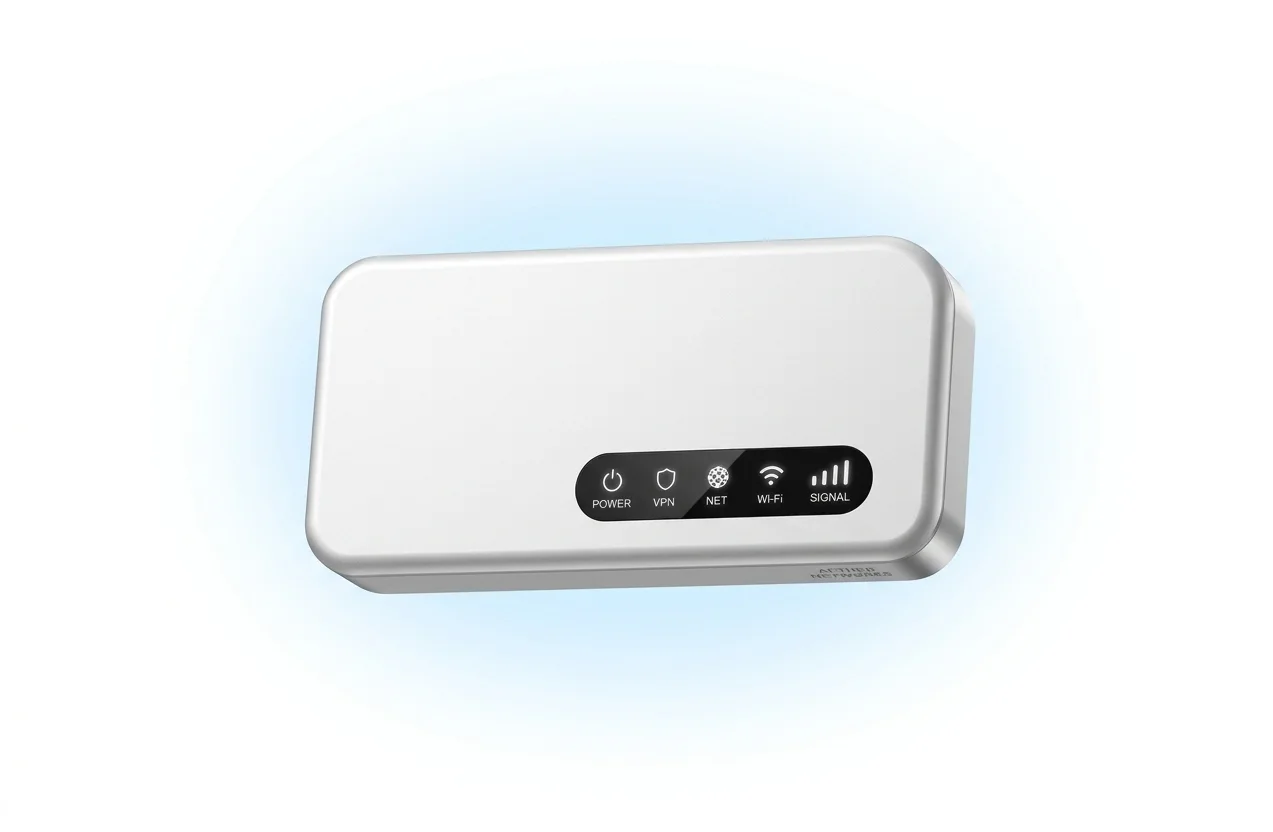
Power, VPN, Net, Wi-Fi and Signal indicators show the state of the link without opening a management page.
Business travel, cross-border trips, outdoor live streaming and temporary networks are the scenarios it was designed around.
COMPLIANCE
BWD_F1 is CE, FCC and RoHS certified and covers 18 Sub-6 5G NR bands with 24 LTE bands for fallback. Ask us for the declaration of conformity, the datasheet and the mechanical drawing.
START YOUR DEPLOYMENT
Tell us your target regions, SIM strategy and how many devices you need to connect. Our team will confirm the right BWD_F1 configuration for your deployment.